memorylake-cli: Connect Any Agent to MemoryLake from the Terminal
Official Rust CLI for MemoryLake: upload files, store facts, search memory across projects, manage agents and talk to them over A2A. Every command prints JSON for jq and scripts. MIT-licensed, one-line install on macOS, Linux and Windows.
memorylake-cli is the official command-line interface for MemoryLake, a long-term memory platform for AI agents. It is written in Rust and installs with one curl or PowerShell command on macOS, Linux and Windows. The installer verifies the SHA-256 of the download, walks you through login and workspace selection on first run, and goes fully silent when you pass --api-key and --workspace, which makes it CI-friendly.
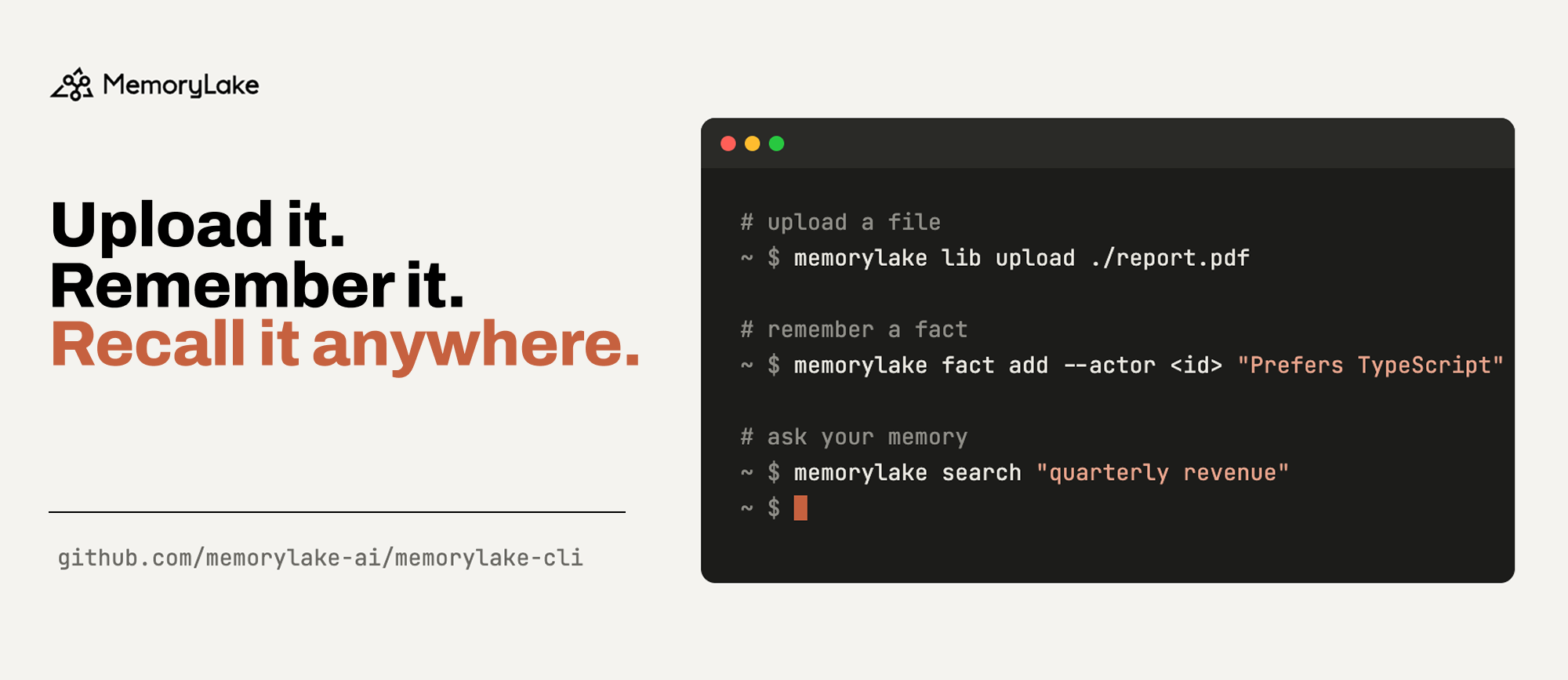
The core loop is three commands: memorylake lib upload puts a file in the Library, memorylake fact add stores one remembered statement, and memorylake search runs a natural-language query across documents, facts and databases in a single ranked list. In between, project document import indexes files into a project (with --wait to block until done) and conv msg append feeds conversation logs to the server, which extracts memory from them in the background.
It covers nearly the whole MemoryLake API surface: workspaces, projects, actors, the Library file system, documents, relational databases as memory (the dbconn → datasource → proj db chain), facts with conflict review, conversations, agents with immutable versioning, skill package publishing, boundaries (saved search scopes), analysis models, and team, member and API-key management. Agents speak A2A v1.0: memorylake agent send talks to any bound agent with streaming, threaded context and task feedback ratings.
The design assumes scripts and agents will drive it. Every command prints pretty JSON. Commands that can partially fail print the full payload first and then exit non-zero. Writes accept --idempotency-key for safe retries. Passwords only come from env vars, stdin or files and show as REDACTED in traces. There is deliberately no ws delete, so a single agent typo cannot wipe a workspace. Global (app.memorylake.ai) and China (app.memorylake.cn) endpoints are separate deployments, and profiles keep several accounts side by side.
It fits developers adding persistent memory to Claude Code, Cursor or a custom agent, and teams that want to bulk-import documents or manage agent versions from shell scripts and CI.
FAQ
How do I install memorylake-cli?
On macOS/Linux run curl -fsSL https://raw.githubusercontent.com/memorylake-ai/memorylake-cli/main/scripts/install.sh | sh; on Windows use irm …/install.ps1 | iex in PowerShell. The script verifies the SHA-256 and refuses on mismatch, and re-running upgrades in place. Prefer not to pipe to shell? Download a prebuilt archive for your platform from the Releases page and put memorylake on your PATH.
Is memorylake-cli free? What license is it under?
The CLI itself is MIT-licensed open source, free for personal and commercial use. It is only a client: you need a MemoryLake account and API key behind it, on either the Global endpoint (app.memorylake.ai) or the China endpoint (app.memorylake.cn). The two are separate deployments and an account on one does not exist on the other.
How is the CLI different from the MemoryLake MCP server?
The MCP server exposes tools that agents like Claude Code call mid-conversation. The CLI targets terminals and scripts, covers a wider API surface (team management, agent versioning, skill publishing, database memory), and prints JSON you can pipe into jq. It suits bulk document imports, CI automation and admin tasks. They complement each other.
Can I talk to an agent directly from the CLI?
Yes. memorylake agent send <agent-id> --text "..." messages any agent bound to the workspace over the A2A v1.0 protocol. The reply goes to stdout while task id and state go to stderr, so scripts can pipe the answer. --stream prints as it is produced, --context continues a thread, --no-wait returns immediately, and agent task feedback records a thumbs up or down.
Is it safe to let scripts or agents drive it?
It is built for that: writes accept --idempotency-key for safe retries, passwords only come from env vars, stdin or files and appear as REDACTED in traces, and ws delete deliberately does not exist. One caveat: every other delete runs immediately with no confirmation and no undo, and deleting a project takes its documents and conversations with it.